

Automation
Share an idea and let the work continue
Your agent breaks down the request and calls PixTV step by step.
Create concept frames for three different storytelling styles.

Understand the story → Plan the shots → Call PixTV



 PixTV MCP
Create images and videos with PixTV from your agent.
Connect your agent
Quick start
Copy the prompt into your agent and follow its instructions to authorize PixTV.

Why Agent + MCP
Your agent breaks down the idea. PixTV creates the images and video.
Automation
Your agent breaks down the request and calls PixTV step by step.
Create concept frames for three different storytelling styles.
Understand the story → Plan the shots → Call PixTV
Multimodal
Go from text to images and moving scenes.

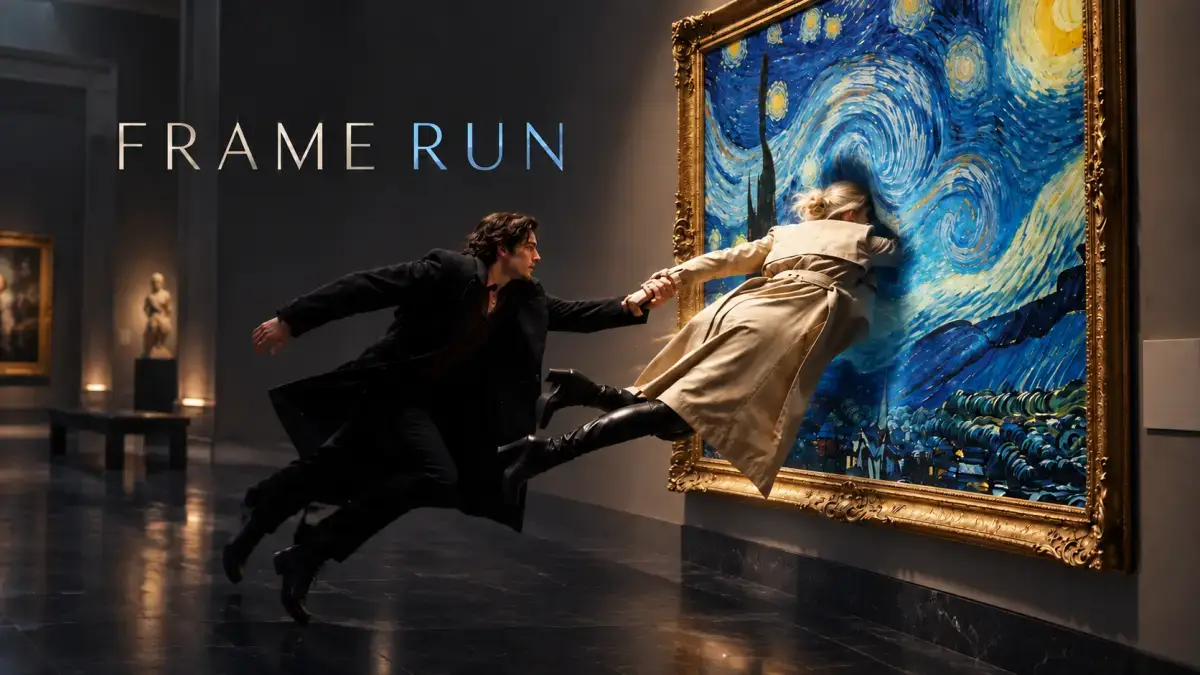
Batch creation
Generate each item with a consistent style.
One creative direction, one request at a time.
Workflow
Bring visual generation into your existing workflow.
Your idea
Agent planning
PixTV creation
Delivery
Supported capabilities
Keep creating within the same conversation.

Turn text and reference images into new visuals.

Turn an idea into a moving shot.

Edit and refine your visual assets.

Chain generation tasks and track their progress.
How to use
Describe your idea and add references so your agent can take it from there.

“Use PixTV to create a 16:9 cinematic concept image of an ancient castle above a sea of clouds. Put a traveler in the foreground and use backlighting, rich architectural detail, and an epic scale.”

“Use character.png as a reference to create a portrait poster with PixTV. Keep the face and hair ornaments, add a pink background, and use soft studio lighting.”

“Use PixTV to turn this image of Jiangnan into a video. Move the camera slowly forward as mist drifts and ripples form on the water. Keep the ink-wash style.”

“Use PixTV to generate three 16:9 concept frames for “Invitation to the Glowing Forest”: a wide view of the forest, a path through the trees, and a close-up of glowing plants. Keep a warm, dreamlike animated-film style.”
Use AI to help more stories find an audience.
Connect PixTV MCP