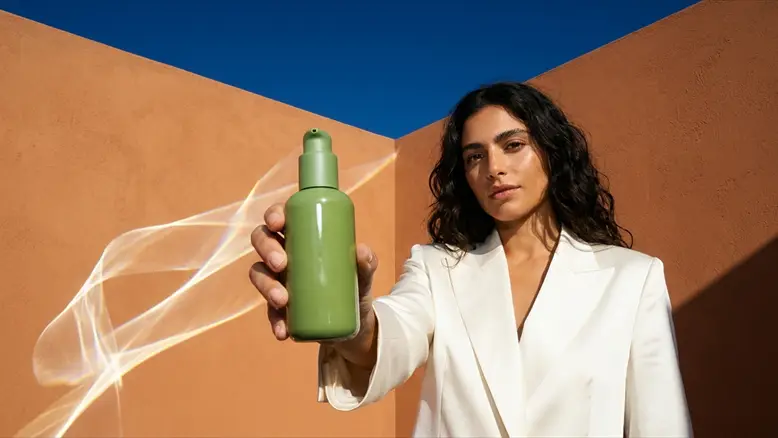
Most TikTok Shop, Shopify, and Amazon sellers already have clean product photos sitting in their catalog—but zero studio budget or time to film short-form promotional videos for every SKU.
With PixTV's one-click Seller Video tool, you don't need camera rigs, timeline editors, or complex prompt engineering. Upload your product photos, pick a conversion-focused video type, and turn static catalog images into ready-to-post promotional videos in minutes.
1. The 3-Photo Input Kit That Produces the Cleanest Seller Videos
Even though a single product photo works in one click, giving the generator 2 to 3 consistent angles of the same SKU dramatically improves texture fidelity and packaging accuracy:
Direct Front Hero Shot: Clean silhouette and readable front label under even daylight.
45-Degree Three-Quarter Angle: Teaches the model true 3D depth, bottle curvature, and side thickness.
Close-Up Detail Shot: Anchors tactile selling points—such as a matte ceramic pump nozzle, brushed metal dial, or fabric weave.
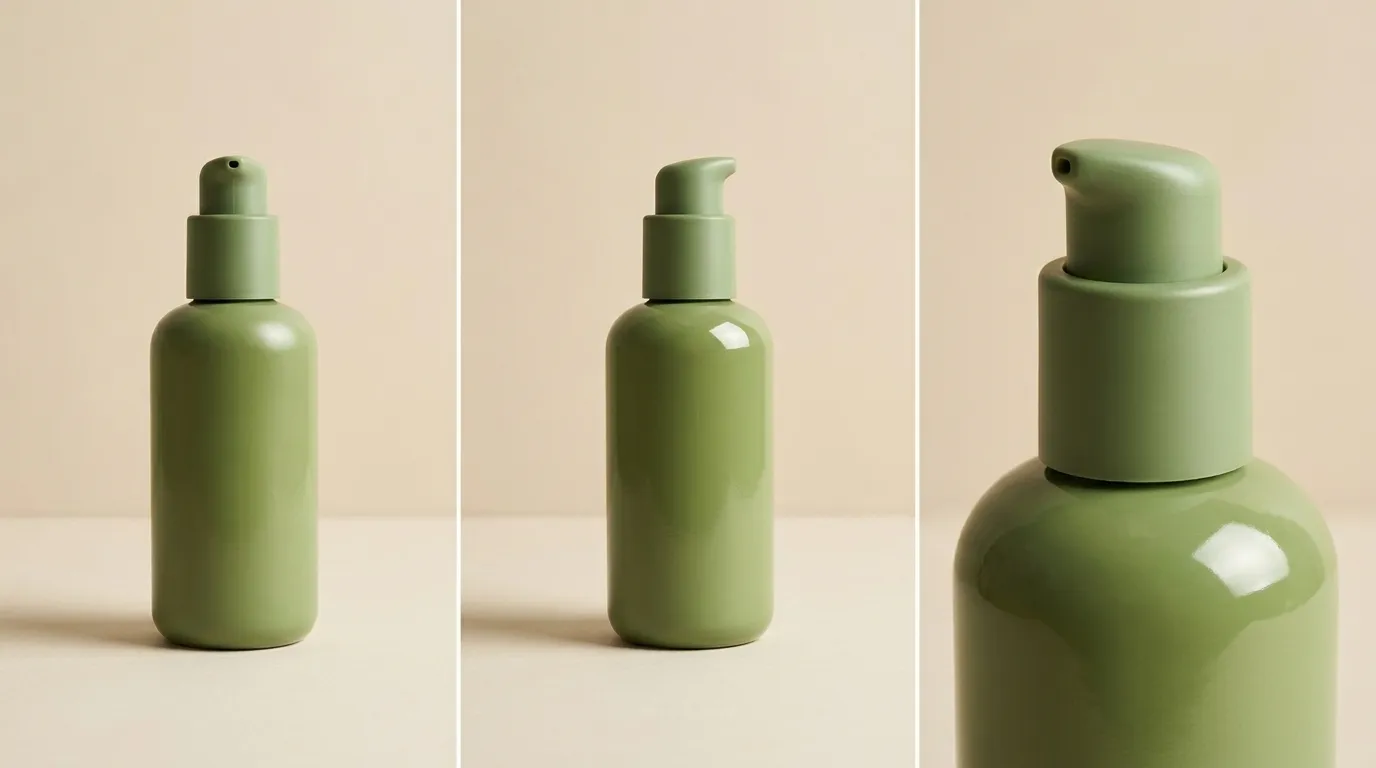
Need to generate clean multi-angle product stills from a single messy phone photo first? Follow our Seedream 5.5 prompt examples library to lock crisp studio angles before generating video.
2. Three High-Converting Seller Video Angles to Test Per SKU
Instead of posting one generic spin clip, launch three distinct short-form angles on TikTok Shop and Instagram Reels:
- Angle A — Instant Benefit Hook (0–3s): Bold close-up reveal highlighting texture, sheen, or hero ingredient right in frame one.
- Angle B — Lifestyle Context Cut: Show the product in a sunlit vanity, desk, or kitchen setting so buyers immediately picture owning it.
- Angle C — Clean End-Card Packshot: Leave uncluttered negative space for pricing badges, discount overlays, and TikTok Shop yellow-basket CTAs.
3. When to Use One-Click Seller Video vs. Custom Multi-Node Workflows
- Use the one-click Seller Video tool whenever you need speed and SKU volume—launching 10 new catalog items or testing daily TikTok Shop creatives without writing prompts.
- Step up to our AI product demo video guide and PixTV AI Product Video Generator when directing bespoke hero brand commercials with custom camera trajectories.
Frequently Asked Questions
Can I make a TikTok Shop product video from just one white-background photo?
Yes. Upload your clean white-background photo into the Seller Video tool, select your preferred promotional video style, and PixTV automatically builds lighting, scene depth, and selling-point motion.
How do I keep product labels sharp in short-form seller videos?
Use crisp high-resolution front photos without heavy compression artifacts, and pick smooth push-in or light-sweep templates rather than rapid 360-degree spins.