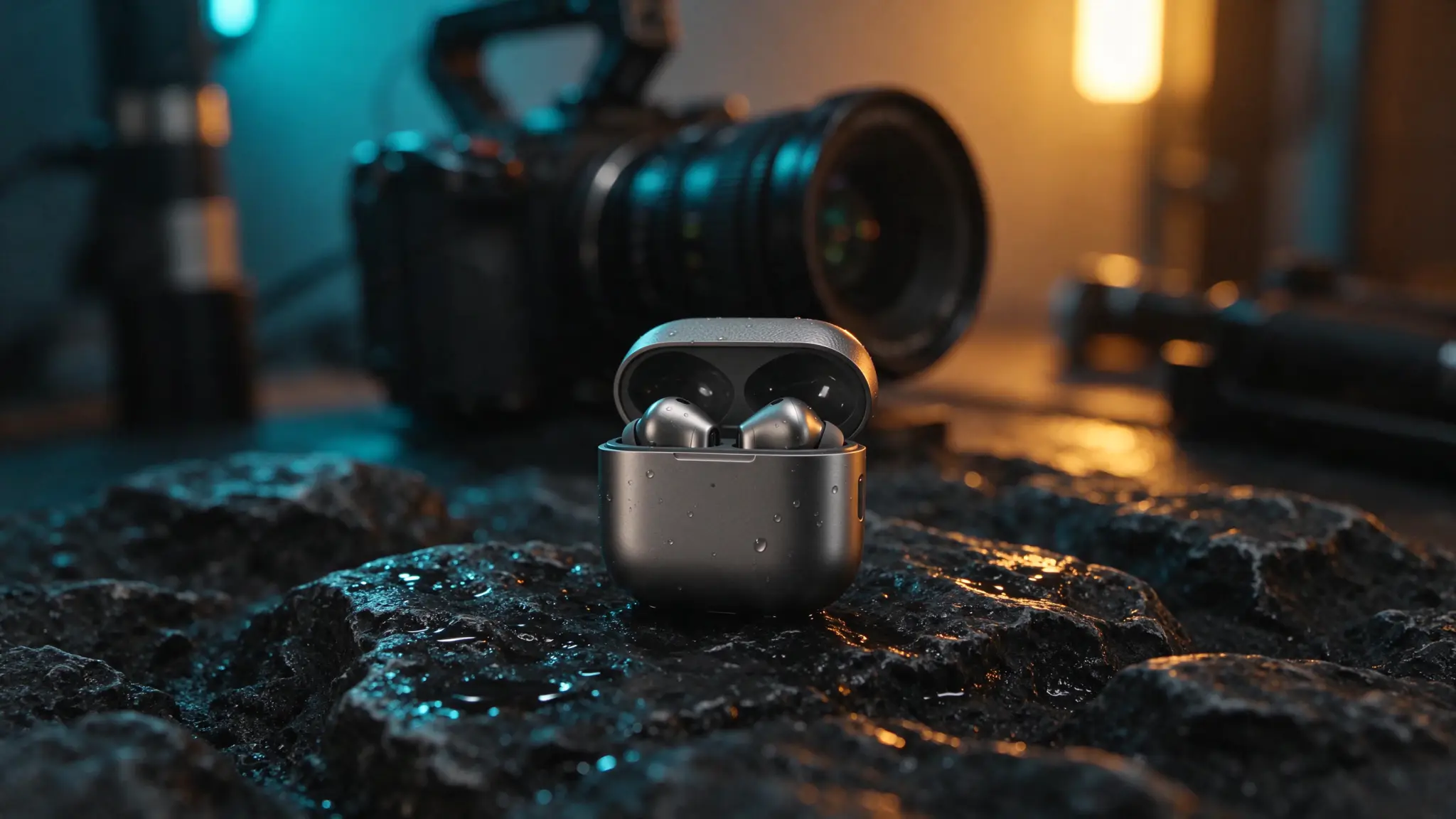
Generating one cool five-second AI video clip is easy. Assembling three consecutive clips where the exact same product, character, and brand logo match across cuts is where most text-to-video projects fall apart. When you ask a video model to invent product geometry and camera motion at the same time, buttons shift, logos blur, and color finishes drift from shot to shot.
Running Seedream 5.5 alongside Seedance 2.5 on PixTV's infinite canvas solves that bottleneck cleanly. Seedream 5.5 handles what still-image editors do best—locking SKU details, multi-turn prop tweaks, and crisp packaging typography up to 2K (5 credits)—and hands those approved frames directly into Seedance 2.5 for fluid motion. Below is a complete 15-second, three-shot 9:16 wireless earbuds ad built on one canvas.
Division of Labor: What Goes in the Image Prompt vs. the Video Prompt
The golden rule of pairing Seedream 5.5 with Seedance 2.5 is never repeating your entire static image prompt inside the video node:
Production Layer | Model on PixTV | What You Prompt Here | What You Leave Out |
|---|---|---|---|
1. Keyframe & Continuity Layer | Seedream 5.5 ( | Exact SKU shape, surface finish, wardrobe, lighting temperature, printed brand text | Motion verbs (spinning, flying, zooming) that create motion blur in stills |
2. Motion & Rhythm Layer | Seedance 2.5 (or Kling 4.0 for slow cinema takes) | Camera trajectory, subject action timing, secondary physics (hair breeze, water ripples) | Re-describing clothing colors or logo spelling already visible in the |
Shot-by-Shot Breakdown: A 15-Second 9:16 Earbuds Commercial
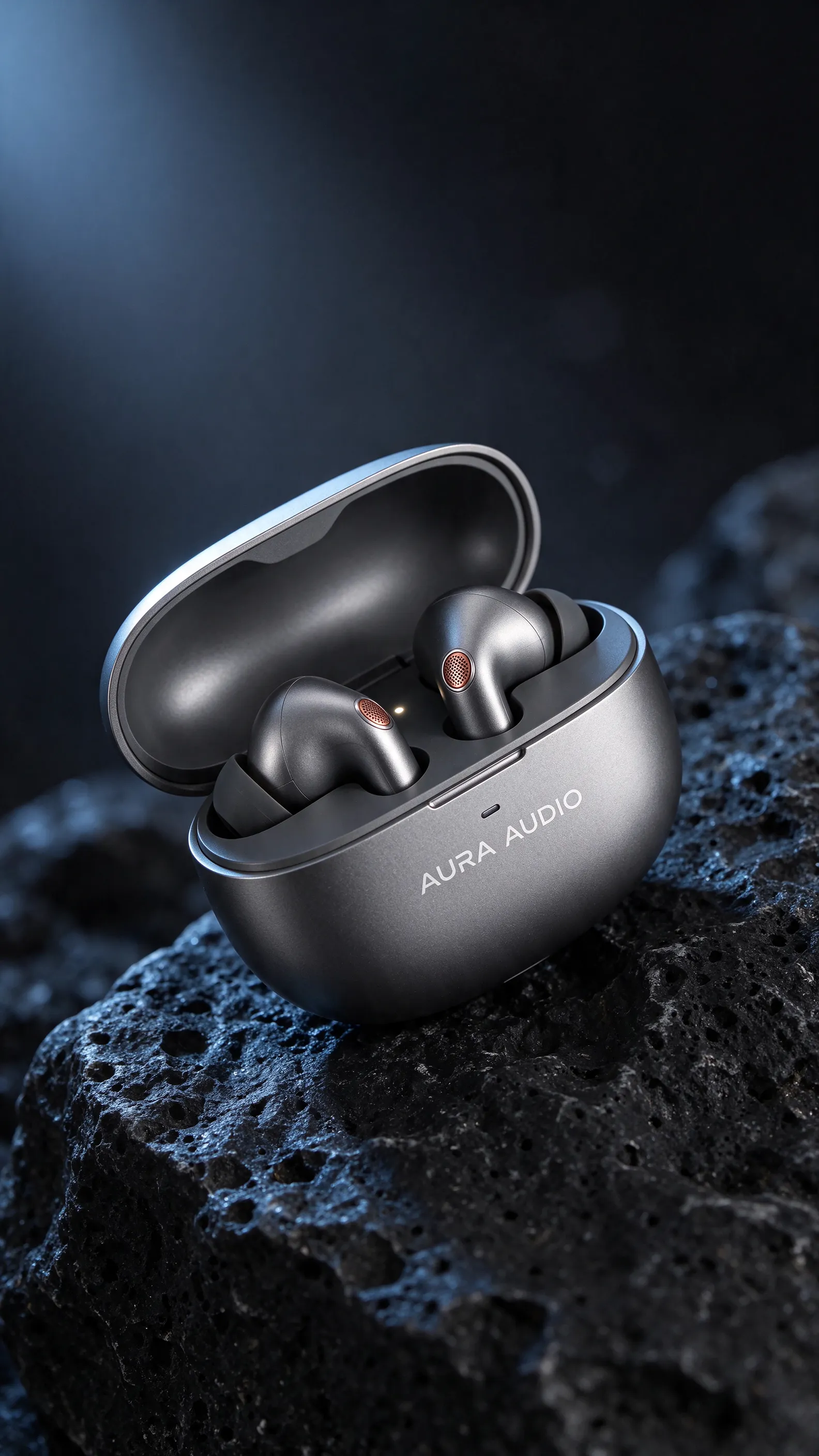
Shot 1 (0:00–0:05): The Macro Charging-Case Reveal Hook
For scroll-stopping AI product ad hooks, start tight on tactile hardware before showing a person.
Step 1A — Seedream 5.5 Keyframe (
9:16· Draft at1Kfor 3 credits, export2Kfor 5 credits):
Macro commercial studio shot of a matte titanium-gray pebble-shaped wireless earbuds charging case resting open on black volcanic stone, revealing two titanium earbuds with subtle copper acoustic grilles inside. Clean laser-etched white wordmark "AURA AUDIO" on the front lip, cool blue rim light, crisp metal grain.
Step 1B — Seedance 2.5 Motion Prompt (connected to the
2Kframe):
Slow controlled push-in toward the open charging case. A tiny warm white LED indicator gently pulses once on the front lip while soft studio rim light glides across the brushed titanium lid. Stationary case, zero geometry distortion.
Shot 2 (0:05–0:10): Commuter Lifestyle Cut (Matching the Exact Earbud)
Instead of prompting Shot 2 blind, feed your Shot 1 product reference into Seedream 5.5 so the copper grille and titanium finish match across the cut.
Step 2A — Seedream 5.5 Keyframe (
9:16· 2–3 turns at1K+ final2Kexport):Turn 1 (
1K, 3 credits): Place a commuter in a navy rain shell standing by a rain-streaked train window wearing the titanium earbud from your reference image.Turn 2 (
1K, 3 credits): Use multi-turn editing to adjust her head angle slightly so the titanium earbud and copper accent face the camera cleanly, then export at2K(5 credits).Step 2B — Seedance 2.5 Motion Prompt:
Handheld subtle documentary sway. The commuter taps the titanium earbud once with her index finger, closes her eyes slightly as blurred city lights streak smoothly past the rainy train window behind her.
Shot 3 (0:10–0:15): Clean Typography End-Card Lockup
Video generators struggle to spell brand slogans from thin air, so render the end-card typography directly inside Seedream 5.5 first using our packaging & poster text workflow.
Step 3A — Seedream 5.5 End-Card Frame (
9:16·2K, 5 credits):
Minimalist vertical commercial end card. The closed matte titanium-gray charging case floats slightly above calm dark water ripples in the lower half. Upper dark negative space features bold clean white sans-serif headline "SILENCE THE RUSH" above smaller subtext "AURA PRO · ANC".
Step 3B — Seedance 2.5 Motion Prompt:
Locked-off static camera. Gentle concentric ripples expand outward across the dark water beneath the floating case while the headline text remains completely still and sharp.
(For cutting smoothly between Shots 1, 2, and 3, see our AI video transitions guide inside the PixTV clip editor.)
Image Pre-Production Credit Tally
Preparing all three 2K camera-ready master frames in Seedream 5.5 before touching a single video credit costs remarkably little:
~6 exploratory & revision turns at
1K(3 credits each) = 18 credits3 final
2Kmaster keyframes at2K(5 credits each) = 15 creditsTotal keyframe pre-production cost: 33 credits—preventing dozens of wasted video retries caused by sloppy starting frames.
Frequently Asked Questions
Why use Seedream 5.5 2K frames instead of 1K frames for Seedance 2.5?
At 1K, tiny product logos, laser-etched text, and fine fabric weave have fewer pixels for the video model to anchor onto, increasing shimmer or product drift during motion. Upgrading your final approved keyframe to 2K in Seedream 5.5 costs just 5 credits (only 2 credits more than 1K, and the exact same price as 1.5K).
When should I connect Seedream 5.5 frames to Seedance 2.5 vs. Kling 4.0?
Both live on the same PixTV canvas. Route your Seedream 5.5 frame to Seedance 2.5 for rhythmic motion, expressive human gestures, and energetic commercial cuts; route it to Kling 4.0 when a scene calls for extended, steady cinematic camera choreography up to 30 seconds.
Does this workflow also work for vertical AI short dramas?
Yes. Locking character outfits and prop continuity in Seedream 5.5 before animating dialogue beats pairs naturally with our vertical AI short drama workflow.